
Custom software for a small business: when a tailored business tool makes sense
Custom software costs more than a subscription. When does a tailored business tool make sense for a small business, and which alternatives should you try first?
In short
- A custom business tool makes sense when the way you work is specific and off-the-shelf software forces you into costly workarounds.
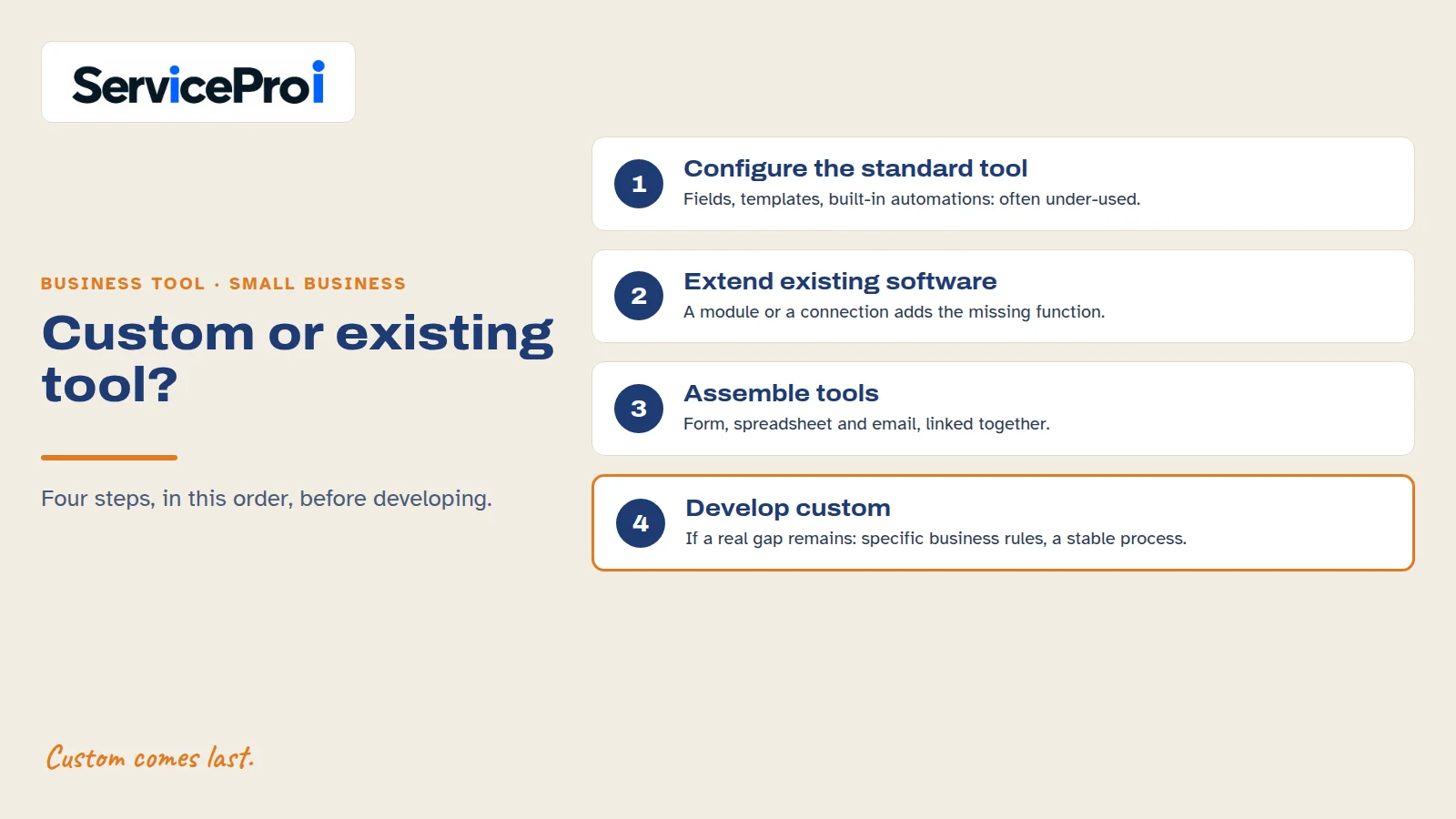
- Before developing, three alternatives to try: the standard tool properly configured, extending existing software, assembling tools.
- Good framing (the problem, the rules, the success criteria) matters more than the choice of technology.
You may already be using a cobbled-together spreadsheet, three applications that don't talk to each other, and paper notes to "join the dots". One day, the question comes up: what if we had a tool made to measure?
The answer is neither "always" nor "never". Here is how to judge.
What is a business tool?
A business tool is software that reflects the way your business works: your steps, your documents, your calculation rules, your exchanges with customers. A plumber, a consultancy and a non-profit don't have the same ones.
It can be very simple: a screen to record a job, generate the matching document and track its status.
When custom makes sense
Specific development becomes relevant when several of these situations add up:
- your business rules are specific (calculations, rate scales, constraints) and no software handles them without workarounds;
- you lose significant time every week working around the limits of your tools;
- the process is stable: you know what you want and it doesn't change every month;
- the cost of an existing tool (licences, options, integrations) approaches or exceeds that of development over time.
The three alternatives to try first
- Configure the standard tool. Software is often under-used: custom fields, document templates, built-in automations.
- Extend existing software. Many business applications accept add-on modules or a connection with other tools. You add the missing function without redoing everything.
- Assemble existing tools. Linking a form, a spreadsheet and an email account is sometimes enough to cover the need. See When your business needs a tool, do you really have to build one?
If a real gap remains after that, custom makes sense.
How to frame a business tool project
Before writing a line of code, you need to set out:
- The problem to solve, in one sentence.
- How things work today, step by step, as they are really done.
- The rules: what is always true, what depends on the case.
- The users: who uses it, from which device.
- The success criterion: for example "produce a quote in under five minutes" rather than "a modern tool".
Without this, you build a tool nobody uses.
Start small
A good project starts with a tiny first version that fixes the most painful point. You use it for a few weeks, you correct it, then you add to it. It is safer, cheaper, and it avoids the trap of the fifty-page specification.
What to insist on
- Ownership and access: the code and the data must belong to you or remain retrievable.
- Documentation: someone else must be able to take over the tool.
- Maintenance: who fixes it, who develops it further, at what cost?
- Data security: especially if the tool holds customer information.
In summary
A tailored business tool is neither a luxury nor an obligation. It is an answer to a precise need, when off-the-shelf tools have gone as far as they can for you. If you are hesitating, start with the five questions to ask yourself before you start.