
Connect your tools: one place for your information, without changing software
Email, spreadsheet, quoting software, calendar: customer information is scattered. Here is how to connect your tools and centralise without replacing everything.
In short
- The real problem is often not the tool, but information split across several tools that don't talk to each other.
- You can connect or sync your existing tools rather than change everything.
- Each piece of information should have a single "source of truth", to avoid duplicates and contradictions.
"Where is this customer's latest quote?" One possible answer: in the mailbox. Or in the shared folder. Or in the invoicing software. Or on your colleague's phone.
If this sounds familiar, your difficulty is probably not a lack of tools, but that they are not connected.
The hidden cost of scattered information
- Time lost searching, several times a day.
- Retyping: the same address typed in three places.
- Conflicting versions: which one is right?
- Things forgotten: a follow-up that never went out because the information was somewhere else.
On its own, each point seems minor. Added up over a year, they weigh heavily.
Three ways to connect your tools
1. Built-in connections. Many applications can already link to others: calendar and email, invoicing and accounting. First check what your tools can already do together; it is often free and under-used.
2. Automation services. Some services let you say "when this happens here, do that over there": a new message in the inbox, a row added to a spreadsheet, a notification. Handy for simple links, with a subscription cost to keep an eye on.
3. A custom connection. When your tools have no built-in connection, or the rule for passing data is specific, a small module can be developed to sync the data. It is also a way to extend existing business software without replacing it.
Centralising doesn't mean copying everything
A common mistake is to duplicate information everywhere "to be safe". That creates contradictions.
The principle to remember: one piece of information, one source of truth. For example:
- a customer's contact details live in one tool only;
- the other tools read them or receive them through a sync, without changing them on their side;
- you always know where to make a correction.
A single view: find a file at a glance
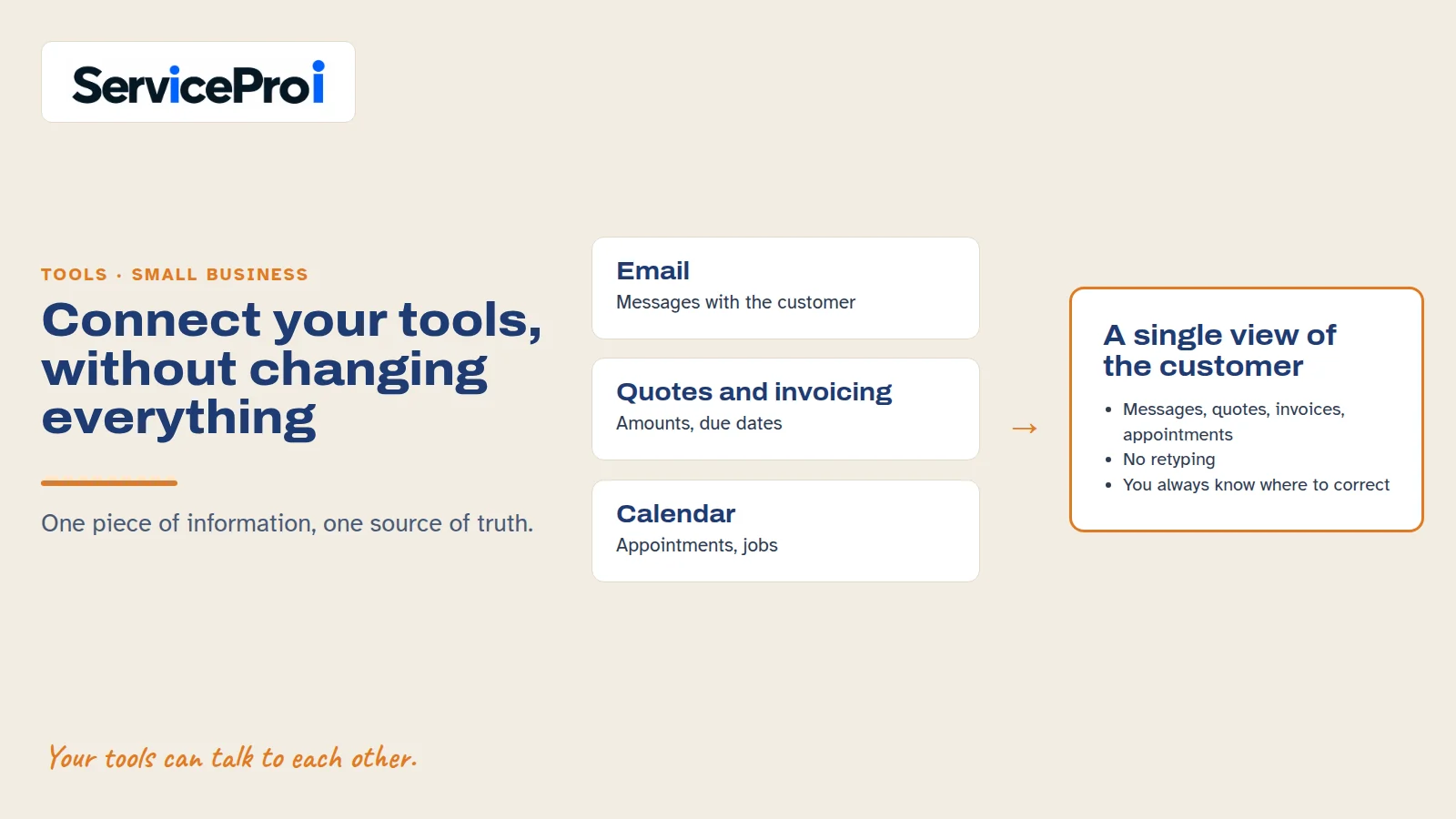
The concrete goal is to see, from one screen, everything about a customer: their messages, their quotes, their invoices, their appointments. This view can be built on top of your current tools, without removing them.
Where to start
- List the information you search for most often.
- For each one, note where it is and where it should be.
- Spot the most worthwhile link (the one that removes the most retyping).
- Set it up, measure the gain, then move on to the next.
Precautions
- Access rights: centralising must not give everyone access to everything.
- Personal data: each connection moves data. Know where it goes.
- Fragility: a connection can break when software changes. Decide who notices and who fixes it.
In summary
Before changing software, ask yourself whether your tools could simply talk to each other. Connecting what you already have is often quicker, cheaper and less risky than a complete overhaul. To measure what retyping costs you, do the quick calculation of repetitive tasks.